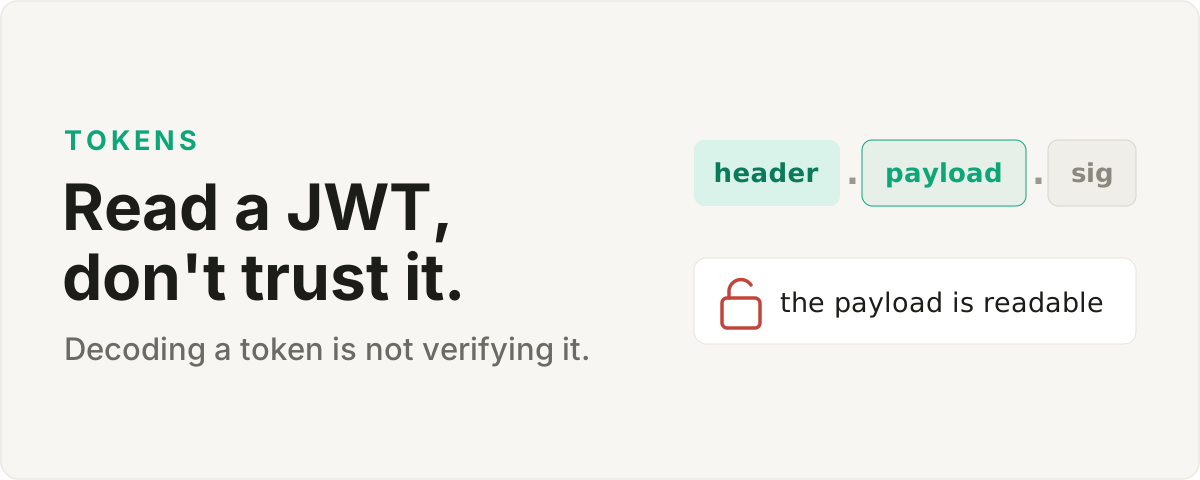
Decoding versus verifying
A JWT is three chunks of Base64 joined by dots, and anyone holding the token can read the first two. That is by design. The header and the claims are only encoded, so reading a JWT tells you what it says and nothing about whether it is genuine. Paste one into a decoder and the user id, the expiry, and the roles are all right there in front of you. What that view cannot tell you is whether someone rewrote those roles thirty seconds ago.
What is actually in there
The first chunk is the header, and it mostly names the signing algorithm. The second is the payload, a plain JSON object of claims: who the token is for, when it was issued, when it runs out, plus whatever your app decided to pack in. You will see stubby three-letter keys like sub, iat, and exp, because the spec keeps names short to keep tokens small. That exp field is a Unix timestamp, which is exactly why a decoder that renders it as a human date saves you a conversion every time. The third chunk is the signature, and it is the only part that proves the first two have not been touched.
Where the checking belongs
On your server, with the key. Verifying a token means recomputing the signature over the header and payload and confirming it matches, which needs the shared secret for an HMAC token or the public key for an RSA one. That check answers the one question a decoder never can: did the issuer you trust actually mint this token, and has anyone altered it since. A browser tool holds neither the key nor any reason to, so it should never tell you a token is valid. It can show you the contents and stop there, because reading a token out in the open is all reading can honestly do.
Paste a token into the JWT decoder to see its claims, then verify the signature on your server, never in the browser.